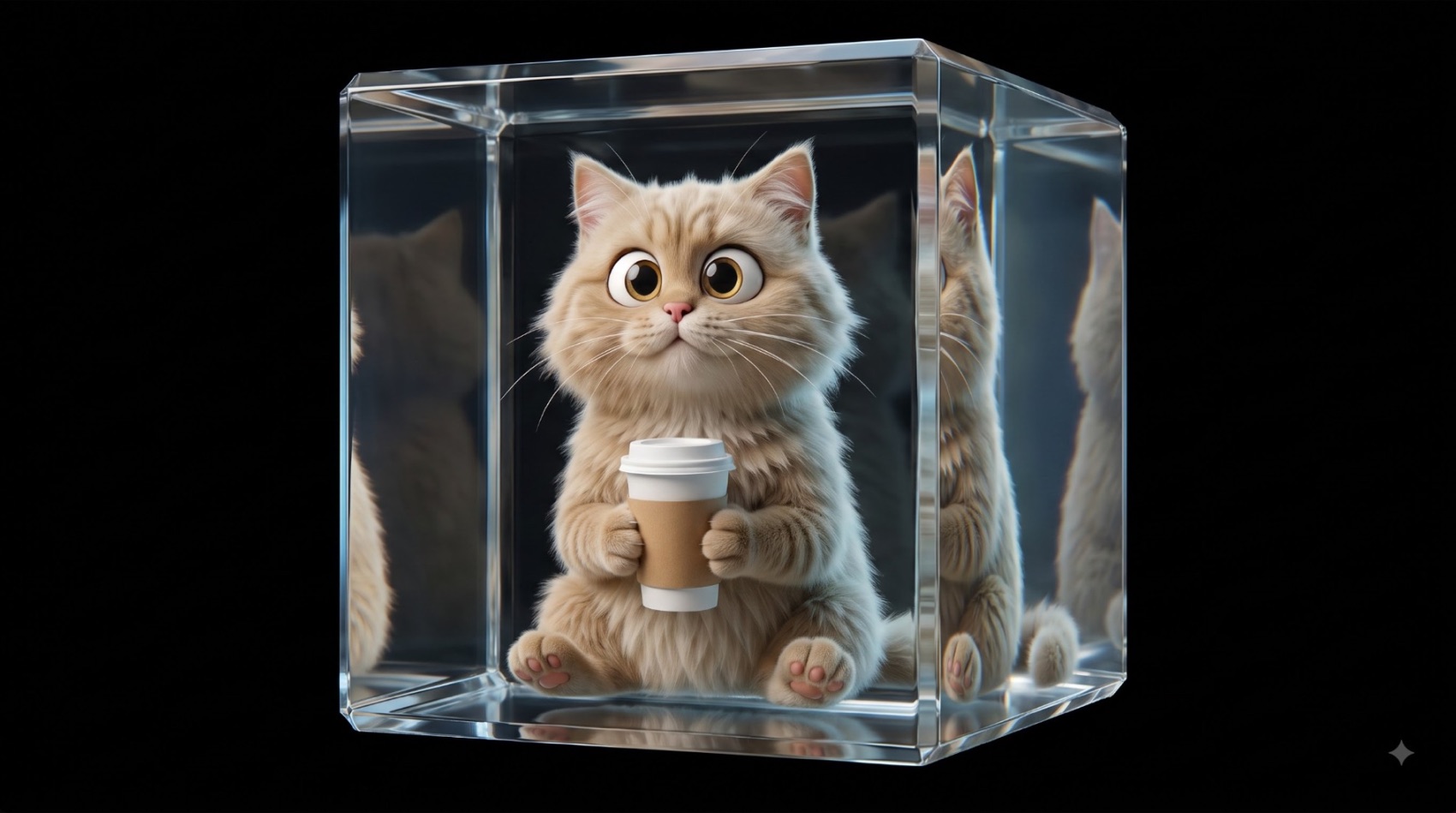
Control a website with your hand
Tutorial
Prompt library — free
Every prompt here came out of real project work — scroll-driven heroes, hand-tracked interfaces, generated plates and the clips that sit behind them. Copy one, paste it into your AI, ship something that doesn’t look AI-made.
9 promptsFree to copyBuilt on client work
Click any card
Tutorial
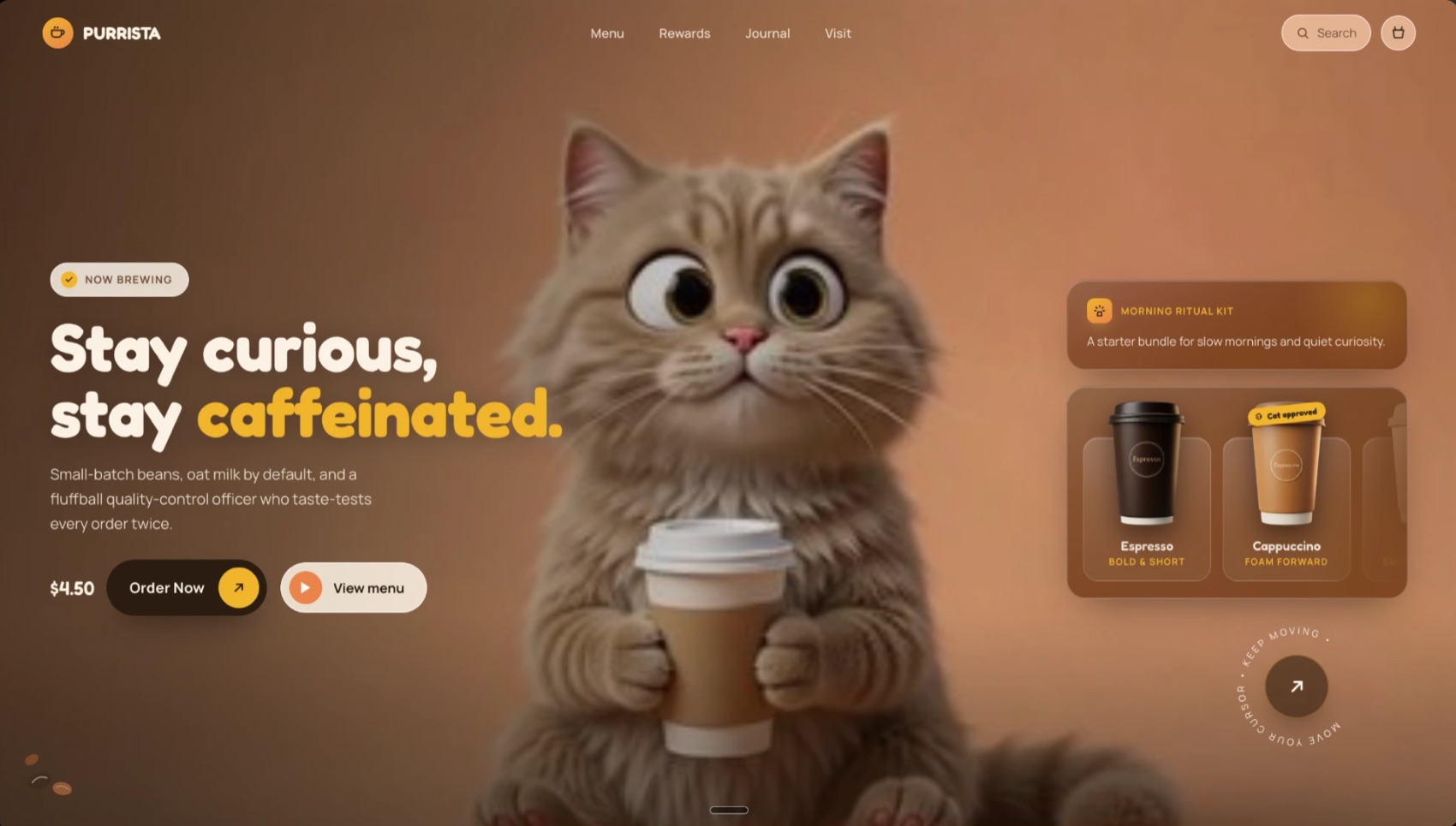
Tutorial

Tutorial
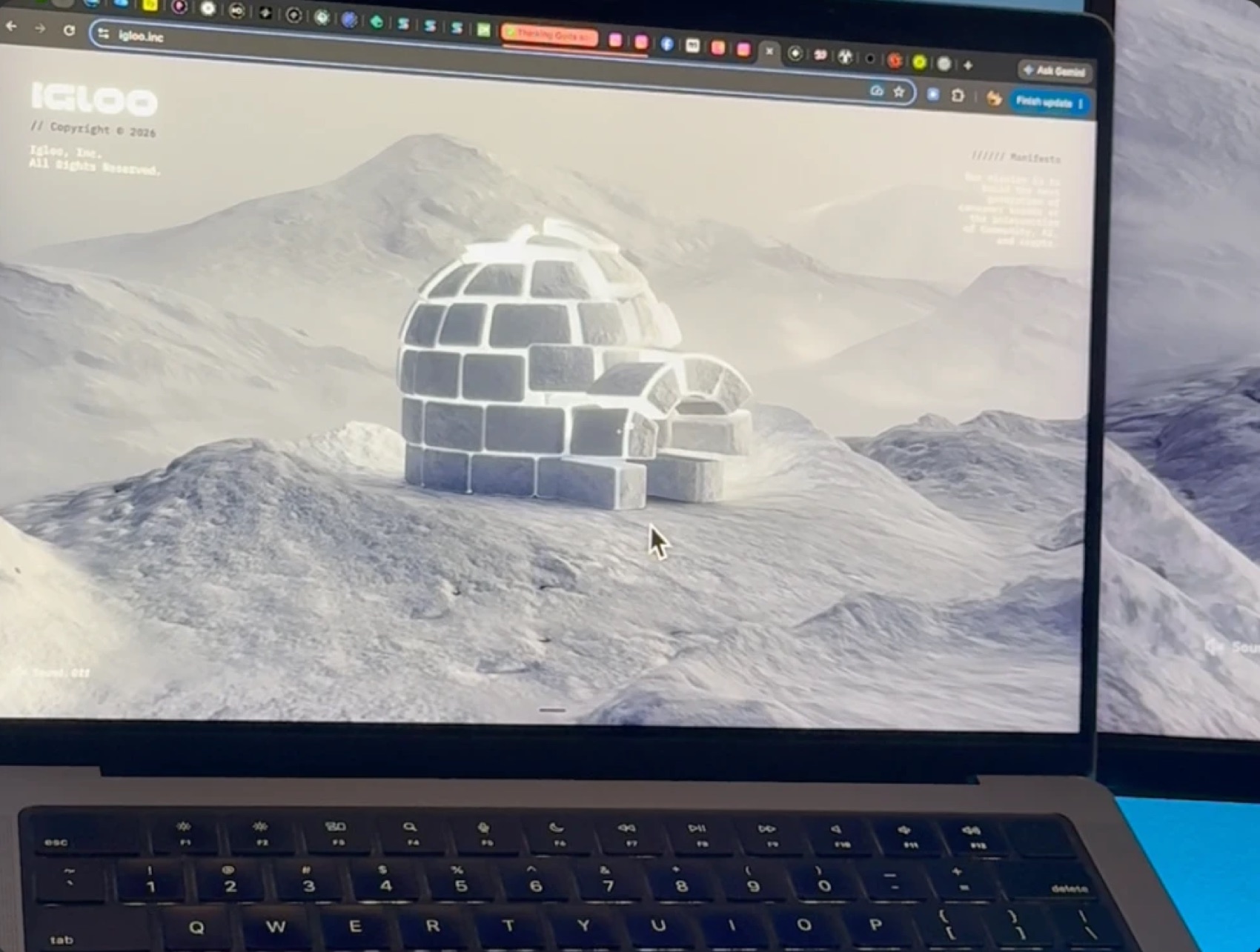
Reference
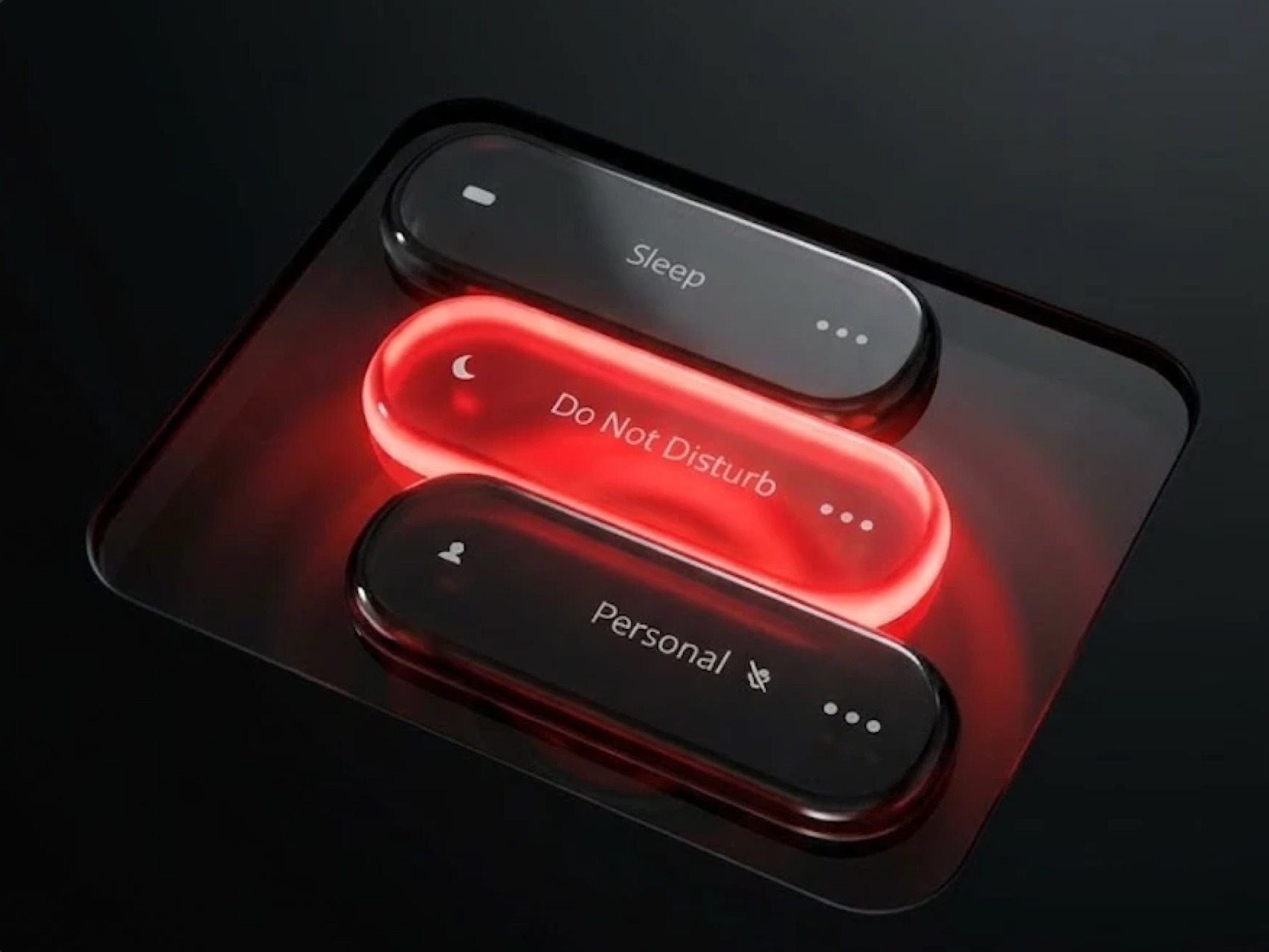
Vibe-code

Vibe-code

Vibe-code
Vibe-code
Vibe-code
Components
Not every build needs a whole page. Sometimes what’s missing is one element — a button that reacts properly, a rail that opens under the cursor, type that pulls into focus. Every piece below is live on this page: hover it, drag it, break it. Free while the library is young.
Words sit blurred until a focus frame travels to each one, stretching into its box on the way rather than snapping to it. Every box is measured, so it takes any font at any size.
A dot grid that sits almost invisible until the pointer draws it into a singularity, the lines bending like a rubber sheet under a weight. Canvas 2D, one gaussian, no shader.
Pages seated edge-out around a tipped wheel, spinning slowly and throwing with momentum when you drag. Depth is sorted per frame rather than handed to the browser.
A folder card whose face slides down on hover to reveal an iridescent gradient, with a cut-out object rising from behind it. The notch is an SVG mask, so the face can be any fill.
A bookmark-tab card with a bite taken out of its lower edge, whose artwork blooms into saturated colour on hover — dissolving into the glow rather than being painted over.
A rail of tall slivers where hovering one widens it into a full card and slides its neighbours aside. The caption is laid out once at the open width, so text never rewraps mid-reveal.
A particle field that hides what sits under it until the pointer parts the cloak, the grains pushed out of a soft radius and drifting home when it leaves.
A pill button whose icon disc wears an iridescent ring that travels around it — the colour shifts through the spectrum as it orbits, and settles on hover.
Land drawn as thousands of individual points on a slowly turning sphere. Drag to spin it — the far side dims rather than disappearing, so it reads as a volume.
A glass keycap that turns under the cursor and presses when you click — bevelled edges catching a violet rim light, the label sunk into the surface rather than printed on it.
Framed pictures shingled into a rail with the focused one opened out to carry its caption. It doesn’t scale up — it re-crops, so the picture widens into the frame instead of stretching.
A one-line contact field where sending launches the message: the text lifts off as a paper plane, the field collapses behind it, and the button turns over into a tick.
The same slow drift with the colour taken out. Graphite through to paper white, carried entirely by the dither.
Cream and sea-glass greens breathing into each other. The quietest one on the shelf, made for text to sit on.
Deep plum through rose, dark enough to carry white type without a scrim.
Acid green, hot pink and cyan on near-black. The one that doesn’t whisper.
Paste it into Claude, Cursor or v0. One file back, nothing to install.
From prompt to live piece
It carries the geometry and the numbers, not just a description of the effect.
You get one self-contained file — no build step, no package to add.
Restyle it to your palette and put it in whatever you are already building.
Every component here is free while the library is young.
Copy it, change it, use it on client work. No sign-up.
From prompt to live site
Open the prompt page and hit copy. It carries the layout, the motion and the numbers behind them.
Claude, Cursor or whatever you build in. Nothing to attach, no prompt-engineering on top.
Swap the copy, drop in your own assets, and ship a page that actually moves.
Every prompt on this page is free, with new ones added as the work ships.
Web design ebook
The essentials most designers never get taught — from landing the client through design, no-code build and a hand-off that earns the next project.
Where the work actually comes from, and how to build trust before the first call.
Contract, proposal and invoice templates you can send the same day.
Clear, professional first contact — so the project starts on the right footing.
A repeatable process that makes discovery fast instead of daunting.
Turn attention into action — structure, tone and the words that carry weight.
The theory and the technique behind layouts that hold up at every width.
Scale, rhythm and spacing settings that make type feel deliberate.
How to choose, build and apply a palette that survives real interfaces.
A strategic way to generate art direction instead of waiting for inspiration.
Start to finish with no guesswork and no wasted weeks.
Run the whole build yourself — and keep the margin that used to go elsewhere.
Close the project properly — the part that turns one client into three.
Free, for now
Everything above, in one file. Drop your email and it comes straight to you — no payment, no card, no drip sequence.